Remote control for LG TV
Free remote control app for LG smart TVs
About Remote control for LG TV
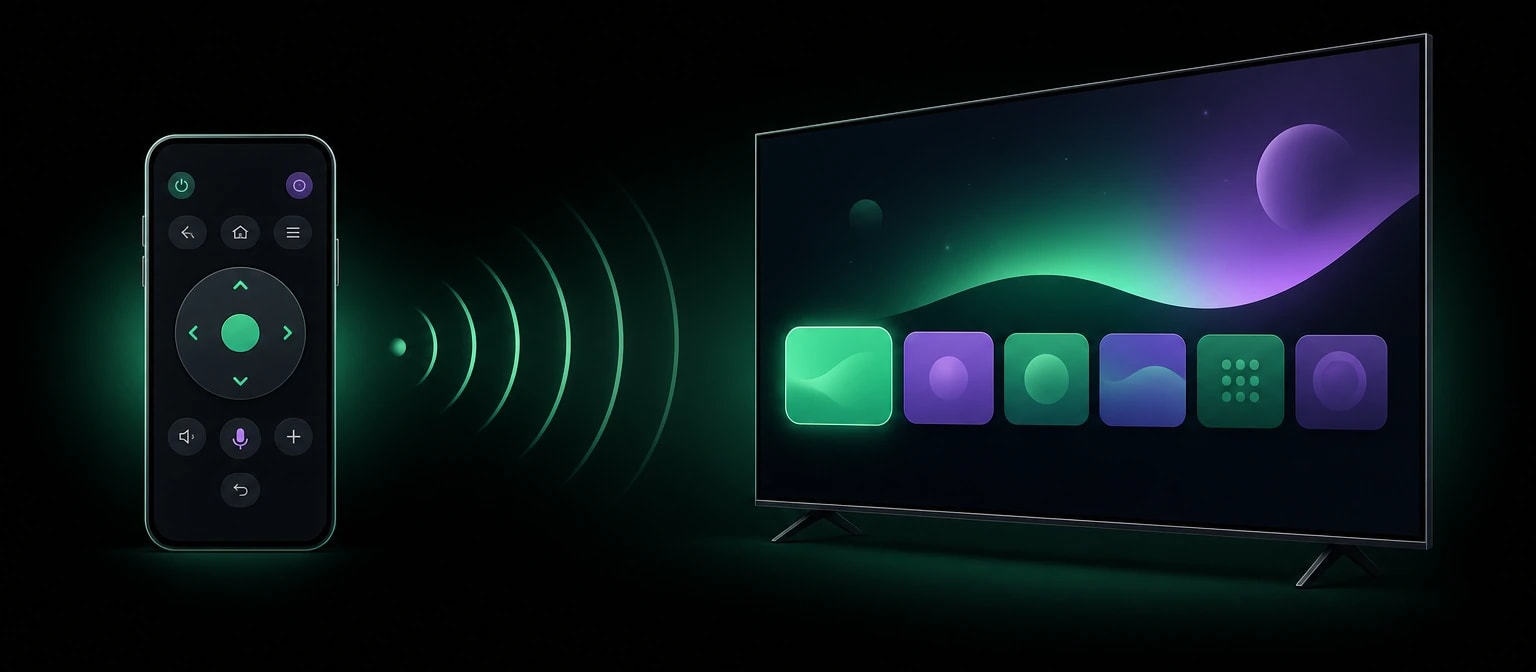
Remote control for LG TV turns your phone into a remote for your LG smart TV. Lost remote, dead batteries, or just too far away: your phone takes over, with the buttons you use every day.
Beyond the classic buttons, a touchpad lets you move through menus the way you would with a mouse, and quick-access buttons open your streaming apps in one tap.
Features
- Power button
- Volume up and down, and mute
- Channel up and down, and numeric keypad
- Navigation arrows and OK button
- Home, back and settings buttons
- Source and input selection
- Touchpad mode for mouse-style control
- Scroll support to move faster through menus
- Quick-access buttons for popular streaming apps
- Simple, responsive layout for everyday use
How it works
Connect your phone and your TV to the same Wi-Fi network, open the app and pair it with your TV in a few moments. Then use your phone like a regular remote, or switch to the touchpad to browse menus.
Why choose it
No ads
No banners, no pop-ups, no videos between two channel changes.
No data collected
The app collects and shares no data, as declared on Google Play.
A remote that is always at hand
Your phone is always with you: no more hunting for the remote or buying batteries.
Free
Every feature is free, with no subscription and no in-app purchases.
Compatibility
The app is made for LG smart TVs. Your phone and TV may need to be on the same Wi-Fi network, and some features may vary depending on your TV model.
Remote control for LG TV is not an official LG application. LG is a trademark of LG Electronics.
Privacy
Remote control for LG TV collects no data and shares none with third parties. There is no account to create and no tracking.
Frequently asked questions
Is it free?
Yes. Every feature is free, with no ads, no subscription and no in-app purchases.
Which TVs does it work with?
LG smart TVs. Some features may vary depending on the model.
Do I need Wi-Fi?
In most cases, yes: your phone and your TV need to be on the same Wi-Fi network for the connection to work.
Is it an official LG app?
No. Remote control for LG TV is an independent app, not affiliated with LG Electronics.
Does it replace my original remote?
For everyday use, yes: power, volume, channels, navigation, sources and settings are all there. It also works well as a backup when the original remote is lost or out of battery.
What data does the app collect?
None. The app collects no personal data and shares nothing with third parties.